
Microsoft Copilot: Your Everyday AI Companion
Learn how Microsoft Copilot uses generative AI, and how to use it responsibly for everyday work.

What you'll learn
- Use Copilot to draft documents in Word, find insights in Excel and build presentations in PowerPoint.
- Write and refine prompts that get useful results from Microsoft Copilot.
- Apply Copilot to customer service and sales tasks, such as answering routine inquiries.
- Explain the ethical, legal and privacy issues of generative AI and how to reduce its risks.
Skills you'll practice
- Generative AI
- Prompt Engineering
- Data Governance
- Marketing Automation
- Regulation and Legal Compliance
- Microsoft 365
- Business Process Automation
- Self Service Technologies
- Customer Service
- Sales Process
- Customer Relationship Management (CRM) Software
- Sales Strategy
Course by course.
Finish all 3 courses to earn your certificate, in order and at your own pace. At 10 hours a week, they take about 2 weeks. Open a course to see what it covers.
- 1
Introduction to Microsoft Copilot 7 hours
In this introductory course, you'll explore the world of generative AI and Microsoft Copilot. - 2
Applications of Copilot in the Workplace 6 hours
Learn how to use Copilot to automate responses to routine inquiries, rapidly resolve complex issues, and even anticipate potential problems before they escalate. - 3
Copilot Best Practices, Ethics and Regulatory Implications 6 hours
Use Microsoft Copilot responsibly. Explore the ethical and regulatory ideas behind generative AI, and judge prompts and settings against them.
Your certificates
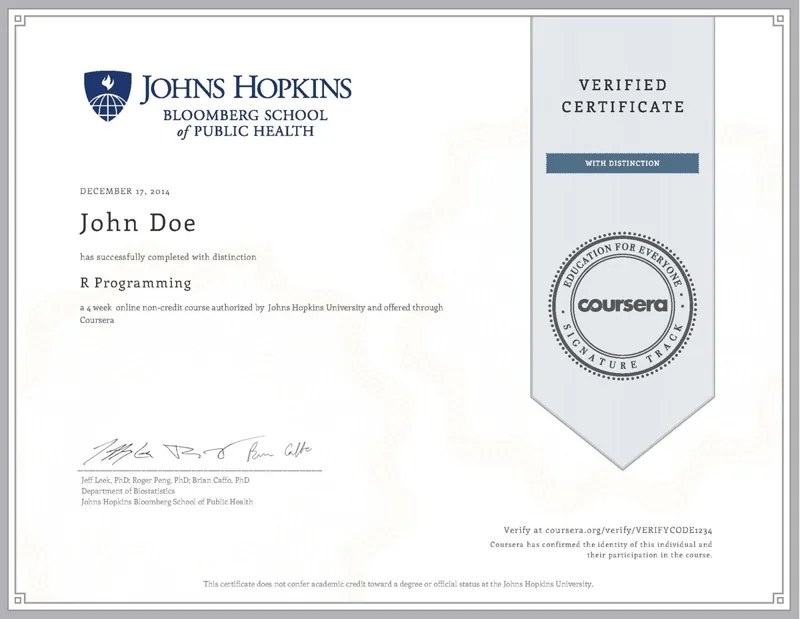
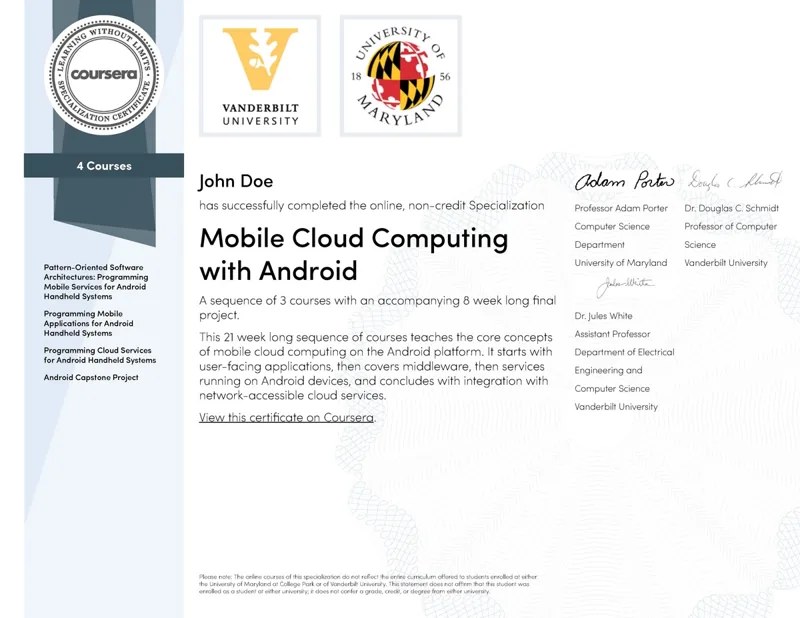
Sample certificates from our top providers. Yours shows your name, your course or program, and the partner that created it.
How it works
- Enroll and payPay once on the secure payment page, by debit or credit card (Visa or Mastercard).
- Activate your accessAccept the email invitation and start learning on Coursera. Your 6 months start then.
- Learn at your own paceVideos, readings and quizzes, on your phone or computer.
- Earn your certificatesOne for each course you finish, then the program certificate at the end. They are yours to keep.
Questions before you enroll
What happens when my 6 months end?
You keep your dashboard, your progress and every certificate you earned. Only your access to that program ends. To continue, renew access for another 6 months for $250.
Do I need experience to start?
No. This program starts from the basics, so no experience in the field is needed.
What language is it taught in?
English. Some programs also offer other languages you can choose from. Talk to our team to check the languages for this program.
Can I add the certificate to my CV?
Yes. Add it to your CV and share it on your LinkedIn profile.
Can I get a refund?
Yes, within 14 days of paying, if you have not activated your access yet. Read the refund policy.
Do I need any paid software?
You need access to Microsoft 365 with Copilot turned on. It is not included in the price.



Ready to start?
Enroll today, then begin whenever it suits you.