
Generative AI Automation
Learn to automate complex tasks with generative AI tools such as ChatGPT. Write prompts, analyze data and files, work with images and check whether results can be trusted.

What you'll learn
- Use generative AI and prompt engineering to automate complex tasks and work more productively.
- Automate reading and creating PDFs, PowerPoint files, Excel sheets, images and video with ChatGPT.
- Turn photos into recipes, shopping lists, plans and notes with generative AI.
- Decide which problems fit generative AI, and frame prompts that give more trustworthy results.
Skills you'll practice
- Artificial Intelligence
- Image Analysis
- Computer Vision
- Organizational Skills
- ChatGPT
- Productivity
- Prompt Engineering
- Ideation
- Verification And Validation
- Data Synthesis
- Document Management
- Data Capture
Course by course.
Finish all 4 courses to earn your certificate, in order and at your own pace. At 10 hours a week, they take about 3 weeks. Open a course to see what it covers.
- 1
Prompt Engineering for ChatGPT 18 hours
Learn to write effective prompts for large language models such as ChatGPT. Use prompt patterns to create complex prompt-based applications for business, education or daily life. - 2
ChatGPT Advanced Data Analysis 9 hours
ChatGPT Advanced Data Analysis is going to transform tasks by helping amplify your productivity and supporting your creativity. - 3
Trustworthy Generative AI 1 hour
This course teaches techniques for determining if a problem fits Generative AI's capabilities, framing problems to reduce risk, prompt engineering for trust, and appropriate human engagement in the process. - 4
GPT Vision: Seeing the World through Generative AI 3 hours
Use generative AI to turn photos into recipes, shopping lists, DIY plans, social media posts and notes. Find out what an object is, learn its history and see how to fix it.
Your certificates
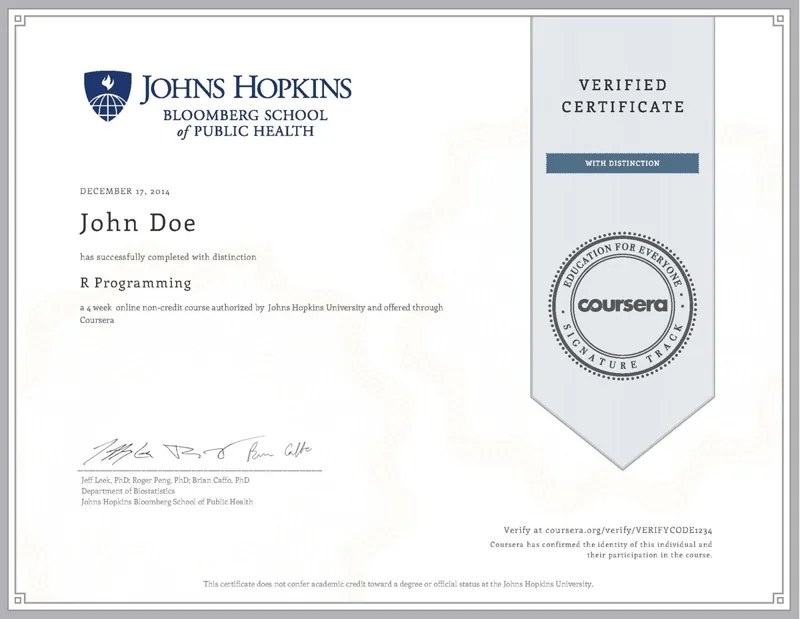
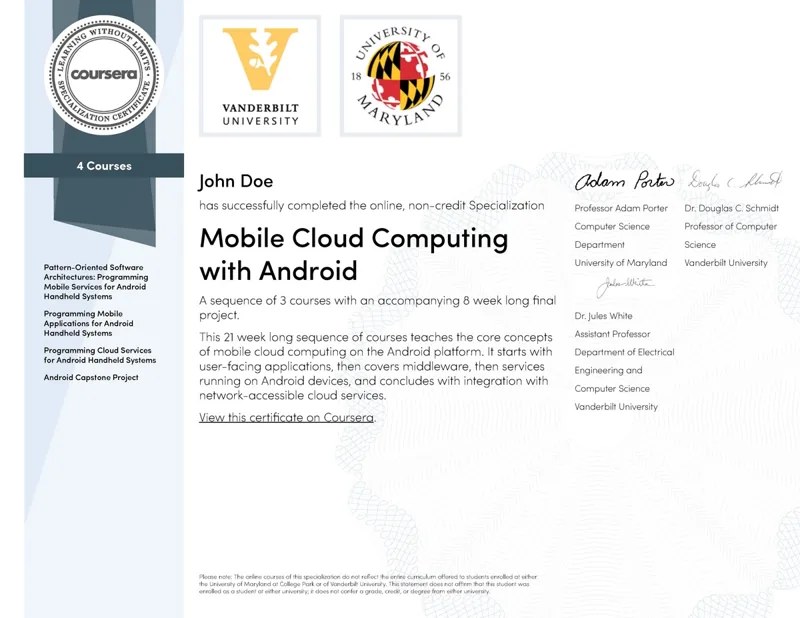
Sample certificates from our top providers. Yours shows your name, your course or program, and the partner that created it.
How it works
- Enroll and payPay once on the secure payment page, by debit or credit card (Visa or Mastercard).
- Activate your accessAccept the email invitation and start learning on Coursera. Your 6 months start then.
- Learn at your own paceVideos, readings and quizzes, on your phone or computer.
- Earn your certificatesOne for each course you finish, then the program certificate at the end. They are yours to keep.
Questions before you enroll
What happens when my 6 months end?
You keep your dashboard, your progress and every certificate you earned. Only your access to that program ends. To continue, renew access for another 6 months for $250.
Do I need experience to start?
No. This program starts from the basics, so no experience in the field is needed.
What language is it taught in?
English. Some programs also offer other languages you can choose from. Talk to our team to check the languages for this program.
Can I add the certificate to my CV?
Yes. Add it to your CV and share it on your LinkedIn profile.
Can I get a refund?
Yes, within 14 days of paying, if you have not activated your access yet. Read the refund policy.



Ready to start?
Enroll today, then begin whenever it suits you.