
Meta Android UI Development
Use Kotlin and Jetpack Compose to build user interfaces for Android apps. Learn Android development basics, Kotlin programming and UI design in Android Studio.

What you'll learn
- Explain the fundamentals of Android app development and set up Android Studio.
- Write programs in Kotlin using core programming fundamentals and Kotlin syntax.
- Design intuitive Android user interfaces with UI components, the Layout Editor and Jetpack Compose.
- Test Android apps with mocks and fakes, and use advanced object-oriented features in Kotlin.
Skills you'll practice
- Application Development
- Programming Principles
- Test Driven Development (TDD)
- Integrated Development Environments
- Data Structures
- Responsive Web Design
- UI Components
- Cross Platform Development
- Android Development
- Android (Operating System)
- Kotlin
- Gradle
Course by course.
Finish all 4 courses to earn your certificate, in order and at your own pace. At 10 hours a week, they take about 2 months. Open a course to see what it covers.
- 1
Introduction to Android Mobile Application Development 10 hours
Learn the basics of Android app development. Set up Android Studio, try Kotlin Playground and create a simple Android app. - 2
Programming Fundamentals in Kotlin 20 hours
Practice and expand on the fundamentals of programming that are core to any language as well as the unique aspects of Kotlin syntax. - 3
Create the User Interface in Android Studio 40 hours
Build Android user interfaces with UI component libraries and Kotlin views. Use the Layout Editor in Android Studio to create a simple UI. - 4
Advanced Programming in Kotlin 20 hours
In this course, you will expand your Kotlin fluency by exploring the advanced concepts used by many Kotlin programmers.
Your certificates
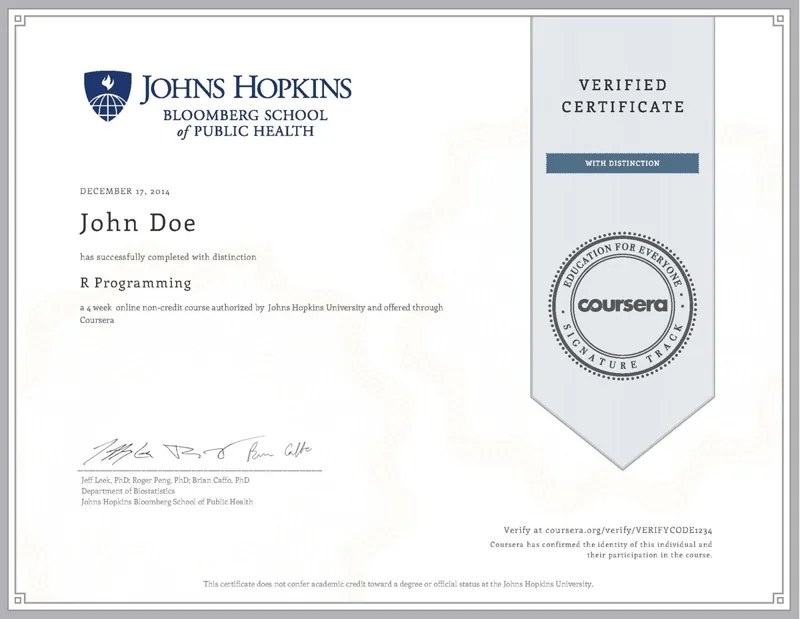
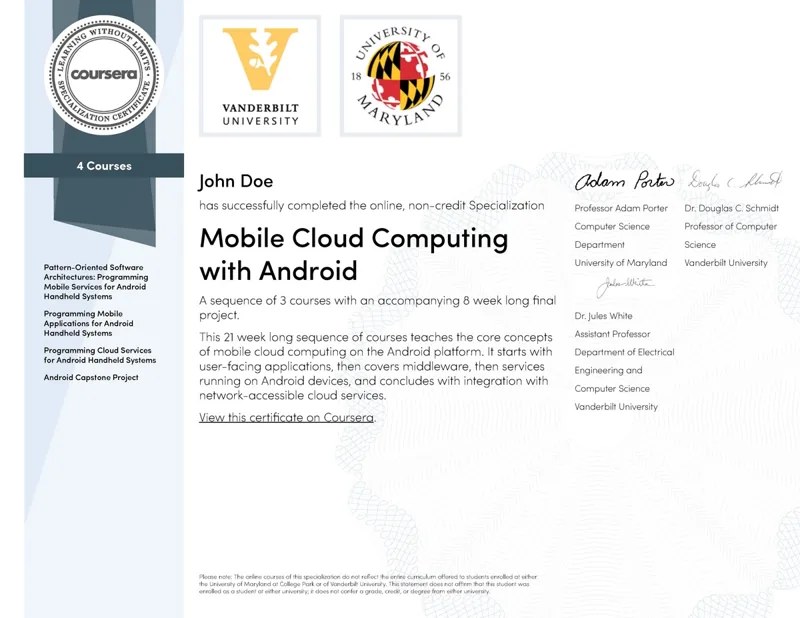
Sample certificates from our top providers. Yours shows your name, your course or program, and the partner that created it.
How it works
- Enroll and payPay once on the secure payment page, by debit or credit card (Visa or Mastercard).
- Activate your accessAccept the email invitation and start learning on Coursera. Your 6 months start then.
- Learn at your own paceVideos, readings and quizzes, on your phone or computer.
- Earn your certificatesOne for each course you finish, then the program certificate at the end. They are yours to keep.
Questions before you enroll
What happens when my 6 months end?
You keep your dashboard, your progress and every certificate you earned. Only your access to that program ends. To continue, renew access for another 6 months for $250.
Do I need experience to start?
No. This program starts from the basics, so no experience in the field is needed.
What language is it taught in?
English. Some programs also offer other languages you can choose from. Talk to our team to check the languages for this program.
Can I add the certificate to my CV?
Yes. Add it to your CV and share it on your LinkedIn profile.
Can I get a refund?
Yes, within 14 days of paying, if you have not activated your access yet. Read the refund policy.
More from the UX/UI Design Academy
See the academy


Ready to start?
Enroll today, then begin whenever it suits you.